Flashlight Controls and Modes: How to Choose the Right User Interface
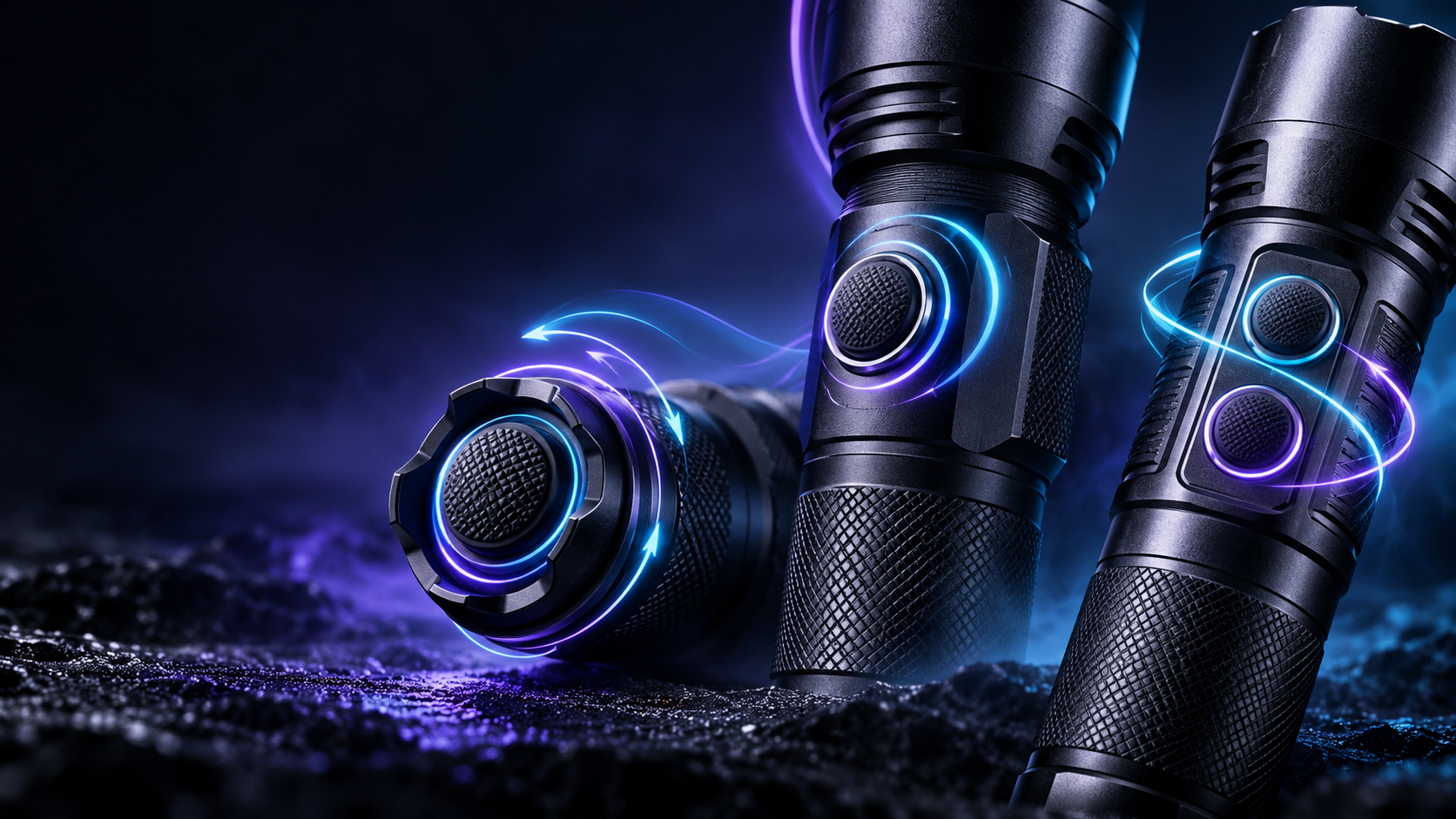

Portable Lighting UX Guide
Flashlight Controls and Modes: How to Choose the Right User Interface
Choose a flashlight control system by the mode users need first, how quickly they must reach it, and whether operation must remain predictable under real task conditions.
Direct answer: A good flashlight user interface minimizes the number of actions needed to reach the mode required for the actual task. A simple one-switch light may be right for one application, while another may benefit from separated power and mode controls, direct shortcuts, or a clearly designed lockout function.
What Is a Flashlight User Interface?
A flashlight user interface is the combination of switches, control logic, mode order, shortcuts, memory, and lockout behavior that determines how the user operates the light.
It is not a display screen. A flashlight UI can be very simple: one switch and several modes. It can also involve multiple controls, direct access to specific outputs, separate light channels, indicators, or sensor-based interaction where the product design supports them.
The important question is not how many features can be listed. It is whether the intended user can turn on the light, reach the needed function, and return to predictable operation without unnecessary steps.
Task First, Modes Second
Do not begin by asking, “How many modes does this flashlight have?” Start with, “Which modes does the user need to access quickly?” A close-range maintenance task may prioritize a lower output first. A search-oriented or urgent task may prioritize fast access to a higher output. The appropriate answer depends on the work, not on a universal mode order.
Common Flashlight Control Types
No switch type is automatically better. Each creates a different interaction pattern and should be selected around the user, product format, and task priority.
| Control type | Typical strength | Possible limitation | Useful application context | Buyer question |
|---|---|---|---|---|
| Tail switch | Can support quick thumb access and directional handheld use. | May be less natural for some placed, mounted, or head-worn products. | Handheld point-and-look tasks, where supported by the product design. | Must the user activate the light while already aiming it? |
| Side switch | Can suit multi-mode control and side access while holding the body. | The user may need to locate the switch by touch; carry behavior must be considered. | EDC, multi-mode, and general-use products. | Can the user identify the control without looking? |
| Dual-switch system | Can separate power or momentary activation from mode selection. | More controls can increase the learning requirement. | Applications needing more than one fast control path. | Which actions need to be available without cycling? |
| Rotary or dial control | May allow a distinct adjustment method for mode, brightness, or channel. | Not always the simplest option for every product or environment. | Designs where deliberate adjustment is more important than minimum controls. | Does the user need stepped selection or quick activation? |
| Sensor or gesture control | Can support certain hands-free task interactions where applicable. | Requires clear behavior so activation is understandable and not confusing. | Selected headlamp or work-oriented designs, where supported. | Does the task genuinely benefit from contact-free control? |
Mode Order, First Mode and Direct Access
Mode order is the sequence users encounter when they operate a control. A product may cycle from lower to higher output, from higher to lower output, or use a different logic. Neither low-first nor high-first is universally better.
The first accessible mode matters
The output or function reached on the first press can shape the entire user experience. It should reflect the most likely immediate need of the target user.
Direct access reduces unwanted cycling
Where the product supports it, direct access to low, high, turbo, red, or another relevant channel can reduce repeated cycling through unwanted modes.
Shortcuts add a trade-off
More shortcuts may improve speed, but they can also raise the learning burden. The goal is useful access, not maximum gesture complexity.
More Modes Do Not Automatically Mean Better Control
A flashlight may offer low, medium, high, turbo, strobe, SOS, red, or other functions. That does not mean every available function belongs in one long main cycle. Mode count and mode accessibility are different design questions.
Frequently used functions may suit the main cycle. Less frequently used special functions may be separated through a long press, double click, triple click, or another intentional action where the product logic supports it. However, hidden functions should still be discoverable enough for their intended users.
Mode Memory, Default Start and Lockout
Mode memory generally means that a product can return to a previously used mode or defined previous state after being turned on again. Its exact behavior varies by product and manufacturer.
Default start mode is different. A flashlight may always start at a predetermined level, regardless of the last mode used. Some products may use another defined group logic. Buyers should ask about startup behavior directly rather than assuming that memory is included.
When memory can help
Memory can be useful when a user repeatedly works at the same preferred output and wants to resume that setting efficiently.
When predictable startup may matter more
If users expect the same output every time they turn on the light, variable remembered behavior can reduce predictability. Mode memory is useful only when its behavior matches the application.
Lockout helps reduce unintended activation, but it is also part of the user interface. A practical lockout should be possible to engage, identify, and release without becoming so complicated that users avoid it. Electronic lockout, mechanical lockout, recessed switches, and switch guards are different design approaches rather than interchangeable claims.
One-Handed Operation, Gloves and Tactile Feedback
Users do not always operate a flashlight while looking directly at it. EDC, maintenance, inspection, outdoor, and professional tasks may involve one-handed operation, limited visibility, or gloves.
In these cases, switch size, spacing, location, shape, click feel, and separation between controls can affect practical usability. One-handed operation does not mean every function must be assigned to a single button. In some cases, multiple controls with clearly separated roles can be easier to use than one overloaded switch.
For multi-source products, channel switching should make the active light source understandable and difficult to change unintentionally. White, red, UV, spot, flood, or other channels should only receive direct access when the target application makes that access valuable.
Strobe, SOS, or other special functions are not requirements for every flashlight. If such functions exist, the control logic should consider whether they can be entered accidentally during normal use.
Choose the UI Character by Application
A flashlight interface should be judged by how quickly and predictably it lets the user reach the required function—not by how many control features it contains.
| Application | Critical control need | Useful UI character | Possible problem to avoid |
|---|---|---|---|
| EDC | Fast access, practical everyday modes, predictable operation, and appropriate carry control. | Compact, understandable control layout; lockout where relevant. | Unnecessary actions to reach common low or medium outputs. |
| Maintenance or inspection | Easy access to usable task outputs, one-handed operation, and glove-friendly interaction where needed. | Clear mode sequence and tactile control distinction. | Complex control logic that interrupts the task. |
| Headlamp use | Operation without directly seeing the control area. | Simple sequence, tactile feedback, and appropriate memory or default behavior. | Mode changes that are difficult to understand while worn. |
| Outdoor task | Fast activation and operation in changing conditions. | A defined first mode and controls usable by touch. | Special modes disrupting normal lighting access. |
| Work light use | Accessible controls after the light is placed in position. | Clear control placement and understandable channel selection where applicable. | Controls that are difficult to reach after placement. |
Control Logic Decision Framework for Buyers and Product Managers
- Define the primary task. Decide what the user is trying to do, not only the output level desired.
- Define the first required mode. Clarify whether low, high, a specific channel, or another function needs priority access.
- Define the operating condition. Consider one-handed use, glove use, darkness, movement, and whether the user can see the controls.
- Define startup behavior. Choose whether remembered operation or a predictable default start better fits the user.
- Define special-mode access. Decide which functions belong in the main cycle and which should require a deliberate shortcut.
- Define lockout and channel requirements. Confirm how users prevent unintended activation and, where applicable, switch between light channels.
For sample approval, do not assess only brightness and appearance. Operate the power control, mode sequence, lockout behavior, memory or default startup behavior, and any channel switching against the target user’s actual task.
Relevant SHENGQI LIGHTING Categories
Control requirements should be defined with the product type and target application in mind:
- EDC Flashlights for compact carry and everyday-use control considerations.
- Flashlights for handheld operation, active aiming, and task-specific switch preferences.
- Headlamps for wearable lighting where controls may need to work without direct visual attention.
- Tooling / Work Lights for controls used after a light is positioned at a task area.
SHENGQI LIGHTING, the brand of Dongguan Shengqi Lighting Technology Co., Ltd., supports portable-lighting OEM/ODM development across industrial design, optical engineering, electronic design, PCB layout, manufacturing, testing, and quality control. User-interface requirements should be defined early enough to match the intended application and hardware architecture. Where applicable, mode order, memory, lockout, sensors, and indicators may be shaped by control logic and firmware design.
Choose Controls by Required Action, Not Feature Count
The right flashlight user interface is the one that helps the intended user reach the required function quickly, correctly, and predictably. More switches, more modes, or more shortcuts only add value when they reduce friction in the real task.
The 140th Canton Fair Starts Tomorrow
More Than 10 New SHENGQI LIGHTING Products Will Debut
The 140th Canton Fair opens on October 15, 2026. SHENGQI LIGHTING will present more than ten new portable-lighting products during the exhibition.
International buyers, distributors, product managers, and OEM/ODM sourcing teams are invited to visit Booth 16.4F25 from October 15–19, 2026. Visitors can explore new product directions, review existing portable-lighting categories, and discuss switch layout, mode access, lockout behavior, sensor-control priorities, and other user-interface requirements directly with the SHENGQI LIGHTING team.
Detailed specifications for unreleased products should be confirmed directly with SHENGQI LIGHTING and remain subject to final engineering validation where applicable.
Planning a Portable-Lighting Product With Specific Control Requirements?
Share the application, target user, primary mode, preferred startup behavior, switch preference, lockout requirement, hands-free need, special light channel, battery and charging direction, environment, estimated quantity, and customization requirement.
Explore Products|OEM/ODM Services|Contact Us|sales@shengqilight.com