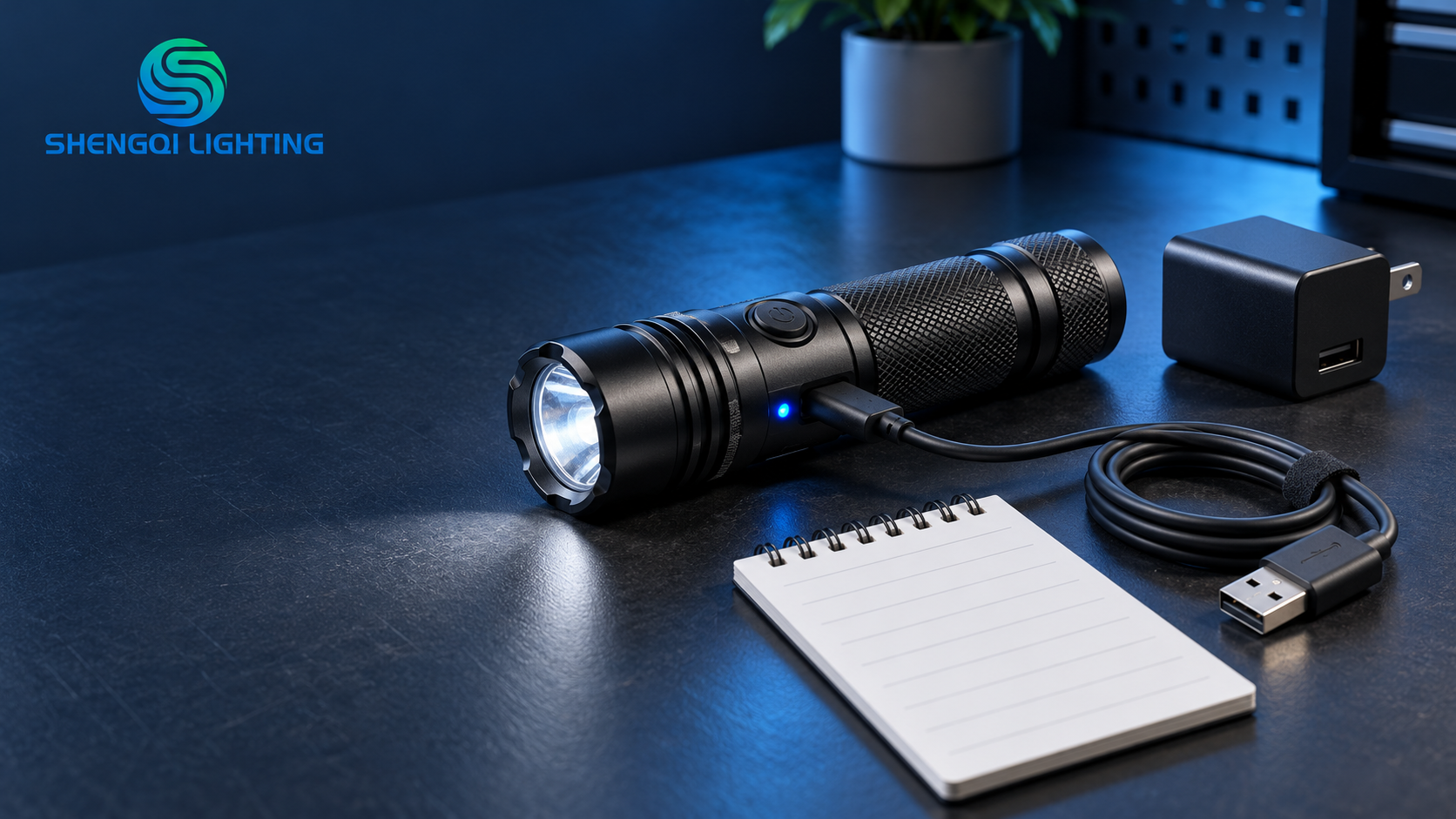
If you are asking, “Why is my rechargeable flashlight not charging?”, start by identifying the exact symptom rather than assuming that the battery has failed. Confirm the model’s approved charging method and indicator meaning first. Then check the external power source, adapter, cable, connector fit and visible port condition one at a time. A missing indicator does not automatically mean a damaged battery, and an illuminated indicator does not automatically prove normal charging or normal capacity. If the light has abnormal heat, swelling, leakage, odor, visible damage or possible moisture-related damage, stop charging and using it. The appropriate next step is product-specific support, not repeated charging attempts or disassembly.
First, define what “not charging” actually means
“Not charging” describes several different observations. Treating them as one fault can lead to unnecessary returns, unsuitable battery replacement or repeated testing that adds no useful evidence. Before changing anything, note the exact model, the accessories in use and what happens after connection.
No charging indication
There is no visible charging response after connection. This may relate to the power path, a connection issue, the model’s normal indicator behavior or an internal issue. It is not enough, by itself, to confirm battery damage.
An indication appears, but completion is unclear
The product shows a light or icon, but does not reach the completion state described in its instructions. Record the behavior; do not assign a universal meaning to a color, blink pattern or elapsed time.
It appears charged, but runtime changes
A shorter apparent runtime is a separate observation. Record the mode used and the conditions of use. It does not, on its own, prove that charging failed or that the battery should be replaced.
A flashlight that does not turn on is also not automatically a charging failure. Check the product instructions for its normal operating controls and any documented lockout behavior. Do not guess a reset gesture, attempt repeated switch sequences or treat an unverified online tip as a model-specific instruction.
When to stop testing immediately
Stop charging and stop using the product if you observe abnormal heat, deformation, leakage, odor, obvious impact damage, a damaged connector or other abnormal signs. Do not keep reconnecting it to see whether the symptom changes. Battery safety guidance also emphasizes using suitable charging equipment and following manufacturer instructions; damaged batteries or devices should not be treated as routine troubleshooting cases.
If a port or product has been exposed to moisture, a dry-looking exterior is not proof that the inside is safe to charge. Do not bake, heat, freeze, pry open or repeatedly insert the cable in an attempt to restore charging. Contact the product seller or manufacturer for the applicable service path.
Find the model’s normal charging requirements before testing
Rechargeable flashlights do not all charge in the same way. Some may use an integrated charging port, some may use a charging cradle or removable battery system, and some may require an approved accessory. Before you begin an external check, locate the exact model instructions or ask the seller or manufacturer to confirm the information below.
- Where and how the model is intended to be charged.
- Which power accessories and input conditions are approved for that model.
- What its normal indicator and completion state mean.
- Whether charging while operating is permitted and whether the battery is user-replaceable.
- Any stated charging-environment limitations or transport isolation steps.
If this information is unavailable, that is itself a reason to pause rather than fill gaps with assumptions. For procurement teams planning a platform before purchase, see the separate USB-C rechargeable flashlight compatibility guide. That article covers pre-purchase verification; it is not a diagnosis guide for a product already showing a charging symptom.
Check the external charging path one variable at a time
Use only a known, appropriate configuration that matches the model documentation. Start with the power source, then the adapter, cable, plug fit and visible port condition. At each stage, change one condition only and note the result. This preserves useful information for you and for support personnel.
For example, a cable that charges a phone has shown that it works with that phone and power source. It has not proved that the same cable, adapter and flashlight combination meets the flashlight’s requirements. USB-IF also notes that cables do not all have the same capabilities, so the correct choice depends on the particular USB environment and product requirements.
- Verify the power source. Use a source you know is operating normally and that is appropriate for the model.
- Verify the adapter label. Compare it with the product’s approved requirements rather than choosing a higher-output adapter as a “fix.”
- Inspect the cable externally. Look for obvious cuts, loose ends or deformation. Use an approved comparison cable only when the product is otherwise in a normal and safe condition.
- Check connector seating and the visible port area. The plug should seat normally without force. Look only for visible debris, corrosion or damage; do not insert metal tools, liquids or objects deep into the port.
If charging works only when the cable is held at a particular angle, do not bend, press or wedge the connector to keep it working. That observation is useful evidence for support, but it is not a technique for continued use. Stop applying pressure and arrange service guidance.
Rechargeable flashlight not charging: symptom-to-next-step guide
| Observed Symptom | Safe External Check | What the Result May Suggest | When to Contact Support |
|---|---|---|---|
| No charging indication | Confirm the documented charging method, approved adapter, cable fit and visible port condition. | The external path or the expected indicator behavior needs confirmation; it does not identify an internal fault by itself. | After the documented, safe external checks do not change the result. |
| A documented compatible comparison cable restores charging | Record the original and comparison cable type, then repeat only as allowed by the product instructions. | The evidence narrows the issue to the original charging setup; it does not prove a particular internal component has failed. | If the product still behaves inconsistently or the original approved accessory is damaged. |
| Charging requires a particular cable angle | Do not force or support the cable. Note the position required and inspect only for visible external damage. | A connection-related issue may need evaluation. Continued pressure can worsen a port or connector problem. | Immediately; discontinue attempts to hold the connection in place. |
| No documented completion state after an extended period | Confirm the model’s stated completion indication and approved charging configuration. | The observed behavior needs model-specific interpretation; avoid assigning a universal charging-time limit. | When the documented setup has been used without reaching its expected result. |
| Completion indication appears, but apparent runtime changes | Record the selected light mode, use conditions and the observed change before contacting support. | The charge indication alone cannot confirm usable capacity or a battery condition. | When the change is repeatable and you can provide the model and operating details. |
| Abnormal heat, swelling, leakage, odor or visible damage | Do not continue testing, charging or using the product. | This is a safety and service case, not a routine external troubleshooting result. | Immediately. |
This table helps organize observations. It does not diagnose an internal charging circuit, battery pack or port condition.
What an indicator or power-on result can—and cannot—tell you
A charging light is an observation, not a complete diagnosis. Its meaning depends on the exact product documentation. It may show that the device recognizes an external connection, but it does not automatically prove that the battery has reached full capacity, that its usable runtime is unchanged or that every charging condition is normal.
Similarly, if a light operates while connected to external power, do not infer that every model supports use while charging or that the battery is normal. Follow the model instructions. If the product uses an internal or sealed battery system, do not open the housing, pry at a battery pack, bypass protective parts or install loose cells. If a model is explicitly designed for a user-replaceable battery, follow only its approved configuration rather than selecting a replacement by appearance or a capacity label.
The useful evidence is the sequence, not one isolated symptom.
No indicator does not equal a failed battery. An indicator does not equal normal capacity. A changed cable result does not prove an internal fault. Changing one variable at a time turns a vague complaint into a useful support record.
Send support a record that helps them evaluate the case
A clear record reduces back-and-forth messages and helps support distinguish a missing product detail from an observed symptom. This is a practical information template, not a claim about a particular manufacturer’s service procedure.
- Exact model and product revision, if available.
- Battery label or approved battery type, only if the product documentation identifies it.
- Adapter output label and cable type used during the observation.
- Observed indicator behavior and whether the light operates after disconnection.
- Accessories already checked, changing only one condition at a time.
- Any recent drop, visible damage or moisture exposure.
For SHENGQI LIGHTING customers and brand projects, this information can be sent with the affected model details when asking for product support or relevant documentation. For a broader look at rechargeable and portable-lighting platforms, explore the flashlight category or EDC flashlight category.
A product-specific boundary matters
For example, the KF01 rechargeable mini EDC light is described on its product page as a compact platform with Type-C charging and a stated maximum white-light output of 400 lumens. Those facts do not establish its charging input, charge time, indicator meanings, charging temperature, power-delivery behavior, battery replacement method or a validated fix for any charging complaint. Use the actual model instructions and support channel for those answers.
Frequently asked questions
Why is there no charging indicator on my flashlight?
First confirm that the model is being charged in its documented way and that the approved external setup is being used. A missing indicator may point to a connection or setup issue, but it does not establish a failed battery without further model-specific evaluation.
Does a charging light prove the battery is charging normally?
No. The indicator must be interpreted using the exact product instructions. It may show a recognized charging connection, but it does not automatically prove full charge, normal capacity or normal long-term runtime.
Why does a different cable change the result?
A changed result can narrow the issue to the original charging setup, provided the comparison cable is suitable for the product. It does not automatically prove which component failed. Record both cable types and avoid changing several other variables at the same time.
Can I use a higher-output charger to fix the problem?
Do not treat a higher-output charger as a repair method. Use only the charging configuration approved for the specific product. If the documented setup does not produce the expected result, contact the seller or manufacturer with your observation record.
Should I replace the battery immediately?
No. Do not replace or open a battery system unless the model documentation explicitly permits a specific user-replaceable configuration. A charging symptom alone is not sufficient evidence to select a replacement battery.
Need help documenting a charging concern?
For an existing SHENGQI LIGHTING project, provide the exact model, adapter label, cable type, observed indicator behavior and the external checks already completed. This gives the support conversation a clearer starting point without asking you to make unapproved repairs.
You can review SHENGQI LIGHTING development services or contact the team at sales@shengqilight.com with product and support details.