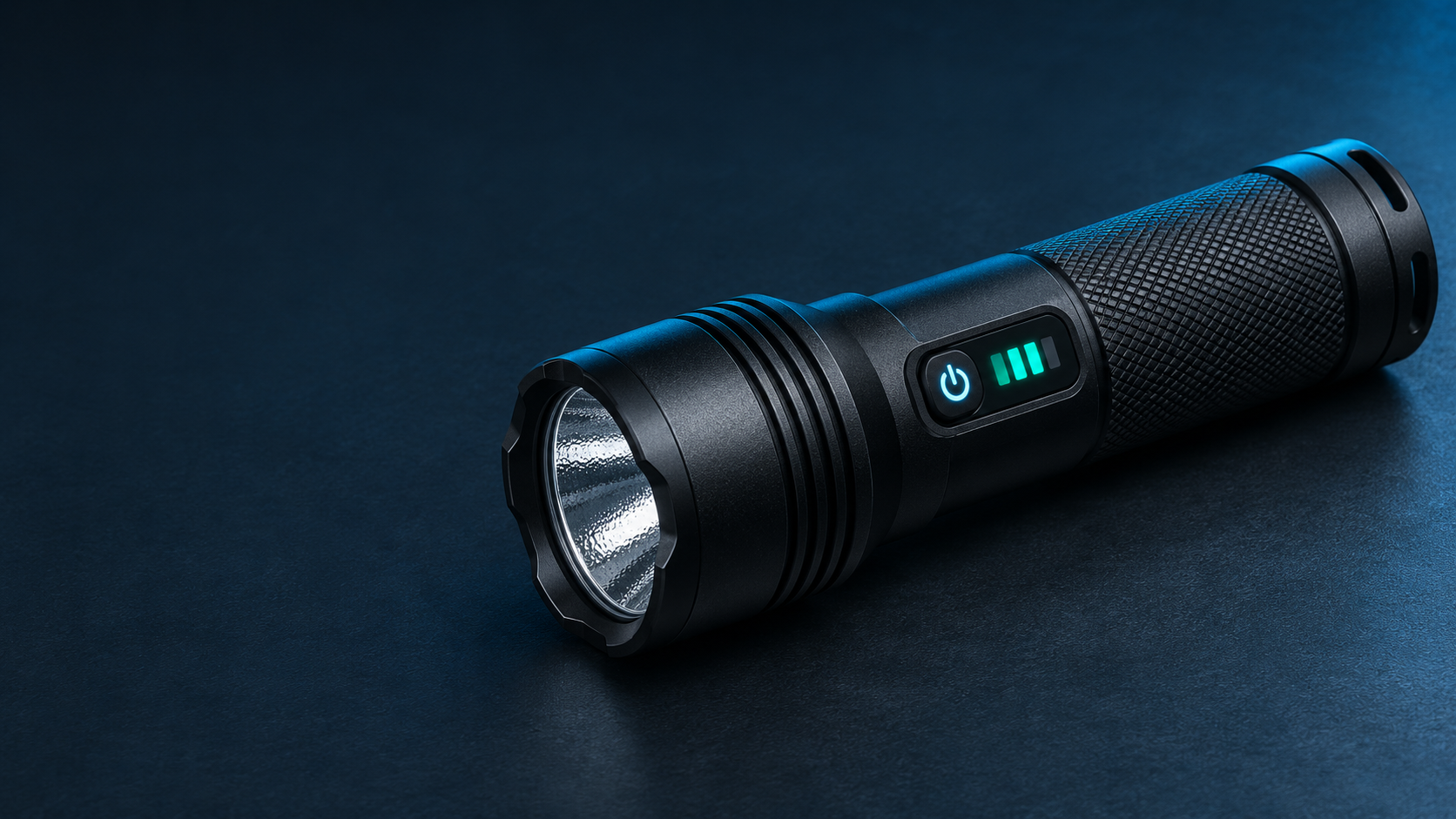
A flashlight battery indicator can tell a user something about the current power state, but its meaning depends on the product’s design and documentation. A color light, set of bars, percentage, voltage value, and remaining-time estimate are not interchangeable. A display showing 50% does not automatically mean that half of the usable runtime remains. Before comparing products or specifying a display for a new project, first confirm what the reading represents, when it updates, and what users are expected to do with it.
A more detailed screen can make power information easier to read, but it does not by itself prove that the underlying estimate is more accurate. The display format and the estimation method are separate questions.
What Is the Display Actually Showing?
The first useful question is not “Does this flashlight have a battery display?” It is “What information does this specific display communicate?” A product may use an indicator primarily to prompt charging, while another may provide a numerical estimate intended to help users plan a task. Both can be useful when their meaning is clear.
| Display | What It Communicates | What It Does Not Prove | What to Confirm |
|---|---|---|---|
| Color or flashing light | A product-defined status such as a general power state, charging state, or warning condition. | That green, red, steady, or flashing behavior has one universal meaning across all flashlights. | The exact meaning, trigger condition, and whether the indication changes during charging or use. |
| Battery bars | A set of design-defined power levels or intervals. | That each bar represents the same usable time or the same percentage of remaining energy. | The level definitions, update behavior, and intended user action at the lower levels. |
| Percentage | A numerical estimate based on the product’s defined reference and logic. | That the estimate has a one-percent accuracy margin, or that it equals remaining runtime. | What the percentage represents, its baseline, and whether mode changes affect the reading. |
| Voltage | An electrical reading expressed in volts. | A direct, universal statement of remaining charge percentage. | Whether the value is observed under load, at rest, or under another stated condition. |
| Remaining-time estimate | An estimate that depends on assumed or observed power consumption. | That the same time remains after a user changes brightness, output mode, or operating conditions. | Which mode and assumptions the estimate uses, plus how it reacts to a mode change. |
OLED, LCD, and LED indicators are display technologies, not automatic rankings of battery-estimate quality. Likewise, a digital screen does not necessarily mean that a dedicated fuel-gauge function is present, and a simple indicator light does not necessarily mean that the product relies only on one voltage threshold.
Why a Battery Reading Is an Estimate
Battery state of charge, often shortened to SOC, is not simply visible at the battery terminals. A design may relate voltage to a defined state, track charge moving into and out of the battery over time, or combine multiple inputs with a battery model. Texas Instruments’ overview of battery-gauging approaches describes voltage correlation, current-based charge tracking, and combined approaches as different ways to estimate battery state.
The important practical point is that a voltage reading at rest is not the same condition as a voltage reading while the flashlight is powering a higher-output mode. Load current, internal resistance, temperature, battery condition, and the product’s own logic can affect what a voltage-based estimate looks like. Analog Devices’ discussion of voltage-only capacity estimates explains why the relationship between voltage and remaining charge changes with conditions.
This does not mean that voltage information is useless, or that one estimation method is always right for every flashlight. It means the useful question is specific: what does this model estimate, with which battery configuration, under which conditions, and how is the result presented to the user?
Why the Reading Can Change After a Mode Switch
A battery percentage or bar display can sometimes change when a user switches to a higher-output mode, then change again after output is reduced or the flashlight rests. In some implementations, a higher load changes terminal voltage and therefore affects the information available to the display logic. The exact behavior depends on the battery, estimation method, update rules, and display design.
Consider a sample that shows one percentage in a lower mode and another after a brief higher-output mode. Before calling the reading inaccurate, a product team should confirm what the percentage represents, when it is sampled, when it refreshes, and how mode changes are meant to affect the display. A later increase does not mean the battery created new charge, but one jump alone also does not establish a product fault.
Why 50% Does Not Necessarily Mean Half the Runtime
A battery percentage is not automatically a remaining-time calculation. Runtime depends on how much power the flashlight uses next, and that can change when the user selects a different mode. A 100% reading also does not independently establish original battery capacity, battery health, or a promised duration in a specific mode.
If a product displays remaining time, the manual and product specification should state the relevant mode or assumptions. Readers comparing runtime claims can continue with understanding flashlight runtime claims, which addresses why a single runtime number needs its operating conditions.
Turn “Add a Display” Into a Clear Product Requirement
For a product manager, “add a screen” is not yet a complete requirement. The useful starting point is the decision a user should make after seeing the information: continue working, choose a lower mode, recharge, replace an approved battery, or understand that charging is in progress. That decision should determine the display content and behavior.
| Decision to Define | Why It Matters | Evidence or Agreement Needed |
|---|---|---|
| What decision should the user make? | It keeps the display focused on a real task instead of adding numbers without a user purpose. | A stated use case and the action expected at normal and low-power states. |
| What is being displayed? | Percentage, bars, voltage, and time estimates need different explanations. | Defined labels, units, reference basis, and wording for the user documentation. |
| When does it appear and update? | A reading shown at startup may serve a different purpose from one shown continuously. | Expected display trigger, duration, refresh behavior, and mode-switch behavior. |
| How are low-power and charging states separated? | Users should not need to guess whether a symbol describes charging or available power during use. | A documented distinction between charging indication, normal status, and low-power warning. |
| What happens with an approved replaceable battery? | Battery configuration can affect what a displayed state is intended to mean. | The allowed battery configuration and the expected display behavior after replacement. |
Hardware, firmware, battery configuration, and the project’s actual requirements all influence the result. SHENGQI LIGHTING’s electronic design and firmware options provide a starting point for discussing a defined project requirement, but a published service capability does not establish a particular percentage accuracy, algorithm, or display behavior for every product.
Observe User Behavior Separately From Accuracy Validation
A useful sample review has two different levels. The first is ordinary-use observation: review the startup display, normal mode changes, charging indication, low-power behavior, and whether the user guide describes the same behavior seen on the sample. Record the sample version, battery configuration, mode, displayed information, and observation conditions.
The second is quantitative accuracy validation. A video of a display, a single voltage reading, or one discharge observation cannot by itself establish SOC error. If a project requires a numerical accuracy target, qualified personnel should define the reference state, measurement method, applicable conditions, tolerance, and uncertainty of the reference measurement. This is a separate task from checking whether a screen is understandable in normal use.
A battery fuel gauge can use different approaches depending on the application, as summarized in Analog Devices’ battery fuel-gauge definition. Do not force a battery empty, repeatedly cycle it, bypass protection, or attempt calibration steps unless the applicable device and battery documentation specifically directs that procedure.
Keep Product, Quality, and Channel Information Aligned
Product managers define the user decision and display behavior. Purchasing and quality teams compare the approved version, battery configuration, documentation, and sample behavior. Channel teams should ensure that packaging, product pages, and user instructions describe what the display actually communicates. Clear alignment does not guarantee commercial results, but it reduces the risk of describing a feature more precisely than the available evidence supports.
Frequently Asked Questions
Is a percentage display more accurate than battery bars?
Not necessarily. A percentage gives a more granular-looking output, but display resolution is not the same as estimate accuracy. Confirm what the percentage represents, which battery configuration it applies to, and how the product documentation defines it.
Does a 50% reading mean half the runtime remains?
No. Remaining time depends on future power use, so changing modes can change the result. A percentage may be useful for a general power-state decision without serving as a direct runtime forecast.
Does a charging indicator show the same thing as a battery-level indicator?
Not automatically. A charging indicator may describe charging progress or connection status, while a battery-level indicator describes the product’s available power state during use. The model’s instructions should make the difference clear.
Discuss a Battery-Display Requirement
If you are developing a flashlight platform, share the target user, the decision the display should support, any issue observed on an existing sample, the intended battery direction, and a reference interface if available. This creates a clearer basis for discussing an evaluation path rather than assuming that every digital display solves the same problem.
Explore applicable flashlight platforms or contact sales@shengqilight.com to discuss a project scope and the information that still needs confirmation.